
Microsoft Entra Lets Any User Create AI Agent Blueprints by Default From November 4: Switch the Setting Off and Check Who Can Still Create Them (MC1506733)

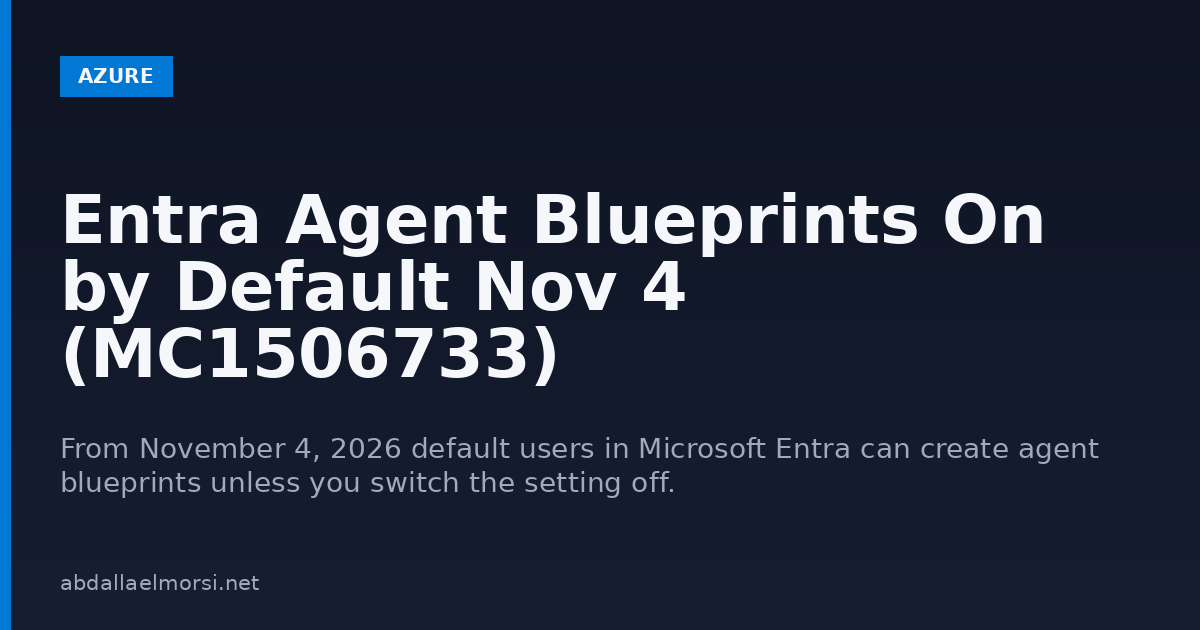
Starting November 4, 2026, any ordinary user in your Microsoft Entra tenant can create an agent blueprint unless you switch the setting off first. This comes from Message Center item MC1506733, published October 13, 2026, and the rollout is expected to finish in late November. If you have not looked at it, the default decides for you.
An agent blueprint is part of Entra Agent ID. It is a template that holds the shared properties of AI agents, and agents created from it share them. One write-up describes it as an administrative and security template to manage AI agents at scale. The point for an admin is simple. A new object type that can hold permissions is about to be creatable by everyone who has no admin role.
Quick guide: what to do before November 4
- Open the setting. In the Entra admin center go to Entra ID, then Users, then User settings, then Default user role permissions. The Message Center names it Users can create agent blueprints. One administrator who tested it reports the portal label as Users can register agent identity blueprints, just under Users can register applications, so look for either.
- Decide who should create agents. If nobody outside IT or a small developer group needs to, set the toggle to No and save. You can do this now. The notice says the change has no effect until the rollout begins in your tenant.
- Give the builders a role instead. With the toggle off, administrators and users with the Agent ID Developer role can still create blueprints.
- Check what the toggle does not stop. Apps that hold Graph permissions to create blueprints can do it without a signed in user, and a blueprint owner can create agent identities without any Agent ID role.
- Review the separate app registration setting. The notice says Users can register applications is independent of this change, so blocking one does not block the other.
What Microsoft says, in short
| Question | Answer from MC1506733 |
|---|---|
| Who is affected | Default users who hold no built-in or custom Entra role |
| Default state | On, users can create agent blueprints |
| Rollout | Starts November 4, 2026, finishing late November 2026 |
| If you set it to No | Only administrators and users with the Agent ID Developer role can create blueprints |
| Existing blueprints | Not affected |
| Licensing | The notice lists no specific license tier or admin role for changing the setting |
Read the setting with Graph
A write-up by an administrator who tested it says the value is exposed as defaultUserRolePermissions.allowedToCreateAgentIdentityBlueprints on the beta Graph endpoint only, and reading it needs the Policy.Read.All permission. The command below follows that description. I could not run it, as explained in the next section.
Connect-MgGraph -Scopes 'Policy.Read.All'
$r = Invoke-MgGraphRequest -Method GET -Uri 'https://graph.microsoft.com/beta/policies/authorizationPolicy'
$r.value.defaultUserRolePermissions
Changing it through the API needs Policy.ReadWrite.Authorization and a PATCH to the same policy. For a one time change the portal is safer, because the property is beta and could change.
What I could and could not check
I did not sign in to an Entra tenant for this post, so there are no portal screenshots. My lab service principal has no Graph policy permissions. A direct read of the authorization policy returned HTTP 403 with Authorization_RequestDenied and the message Insufficient privileges to complete the operation. That is an honest result, not a failure of the topic, so I cannot show you the live value of the toggle. Everything above comes from Microsoft’s Message Center item and two independent write-ups, and the dates and label may differ in your tenant.
Why this one deserves a look
- It is on by default, so doing nothing is a decision.
- Attackers already know how app registration and permissions are abused. A compromised ordinary account that can create blueprints is a new foothold, a point one reviewer makes.
- Unmanaged objects pile up quietly, the way they did with other self service features.
- My post on auditing AI agent and MCP configurations covers the same theme from the host side.
FAQ
When does Entra start letting users create agent blueprints?
The Message Center item MC1506733 gives early November 2026. A write-up of it gives November 4 as the start date, with the rollout finishing in late November.
Is the setting on or off by default?
On. Default users without an Entra role can create agent blueprints unless an admin sets the toggle to No.
Does turning it off delete blueprints that already exist?
No. The notice says existing blueprints are not affected.
Who can still create blueprints when it is off?
Administrators and users with the Agent ID Developer role. Apps holding the right Graph permissions can also create them, and the toggle does not block that.
Does blocking app registration also block blueprints?
No. Users can register applications is a separate setting, so check both.